Steam Deck Modded Minecraft
A log of how I got it working.

I already got emulation going for Super Mario Galaxy by following this Retro Game Corps video, and that wasn't too bad, so hopefully this won't be either.
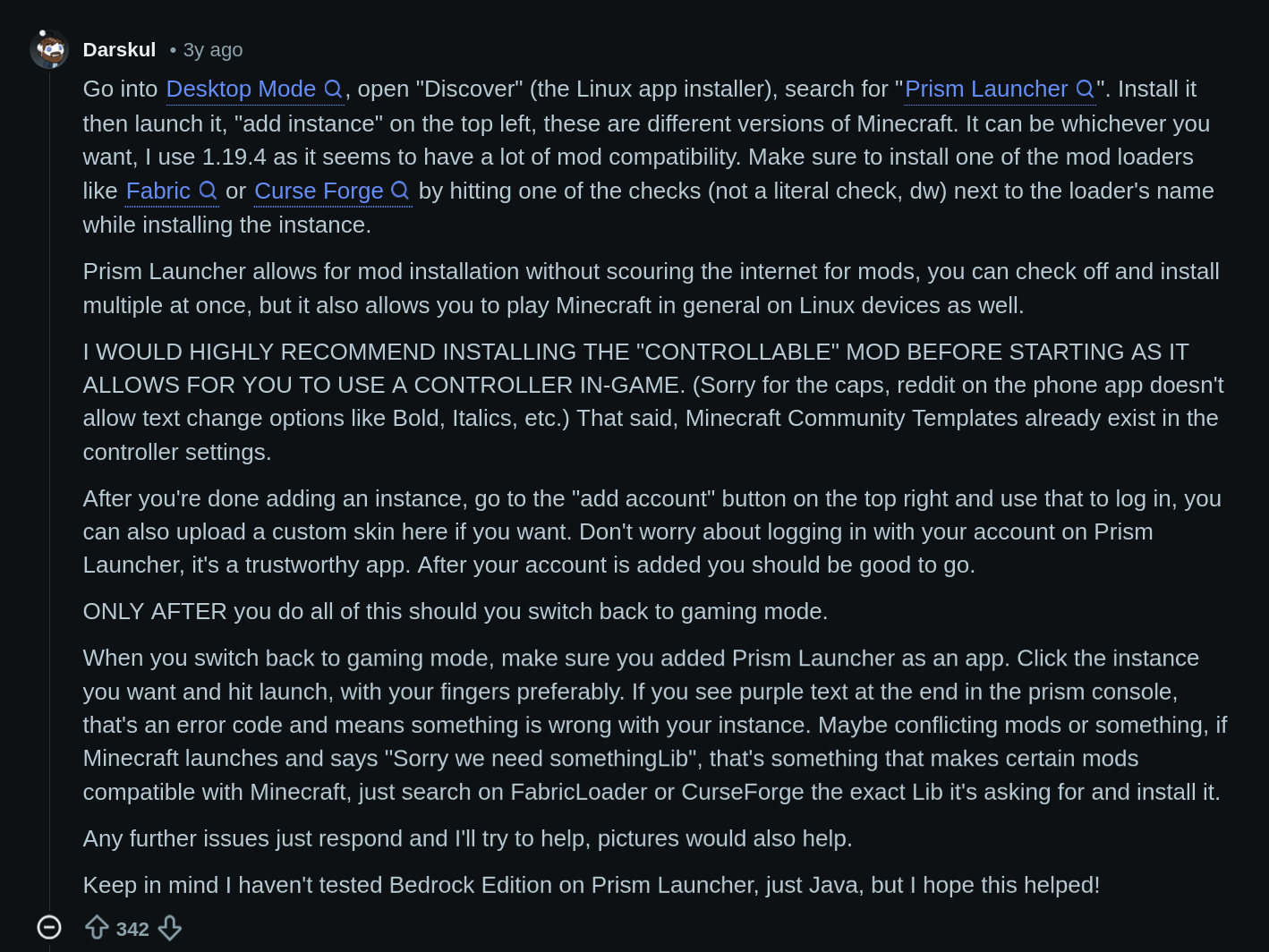
Alright, starting with this reddit comment. Didn't need to read past the first sentence. All I did was install Prism Launcher then download the stuff I need for my modpack.
Bonus
While doing this, I got distracted installing the Psion KDE Global Desktop Theme and got stuck because I forgot my root password, so I'm gonna reset it.
How to Reset the Root Password
-
While the Steam Deck is powered off, hold the 3dots (QAM) and turn on the Steam Deck.
-
The recovery menu will appear. On your keyboard highlight the 3rd option - CURRENT (OS Boot Menu) then press enter.
-
The GRUB menu will appear. Highlight the 1st option - SteamOS then on your keyboard press "e" to edit the boot options.
-
Press down cursor on the keyboard until steamenv_boot is highlighted. Press "end" to go to the end of the line.
-
Enter the command - systemd.debug_shell
-
Press CTRL-X to boot!
-
Once SteamOS loads, press CTL-ALT-F9 on the keyboard to access the root debug shell.
-
Enter the command - passwd deck
-
Enter new password and retype the new password.
-
Once done, press CTL-ALT-F1 on the keyboard to go back to game mode.
I then put it in my password manager (Bitwarden) so I don't forget again.